
Replacement PC Screens

 Updated Version please re-download and delete previous version. It is now renamed "Replacement Screens FT" so it won't auto overwrite!
You can now choose to download a "lite version" of these replacement screens. All images sizes were cut in half and are based off of optimized jpegs instead of pngs. Really it's just a smaller file size for your game to deal with. In-game images are only slightly more blurry than the non-light version.
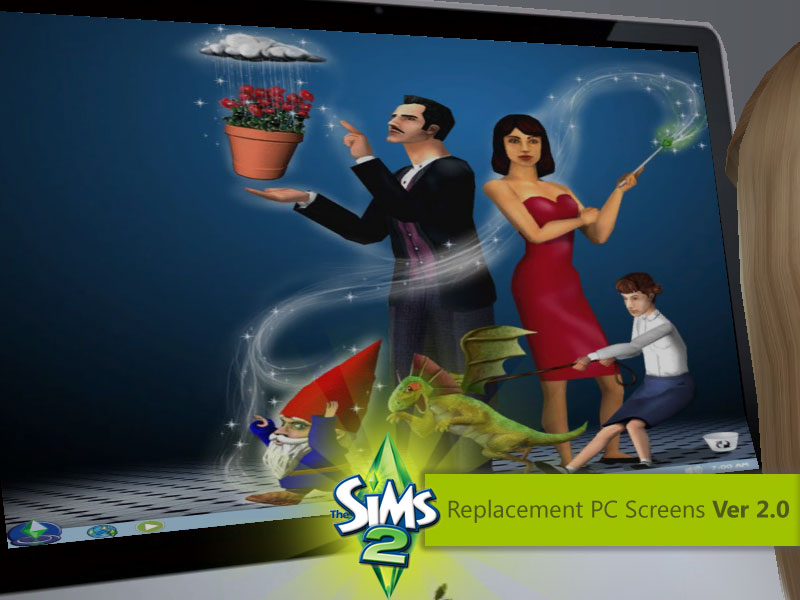
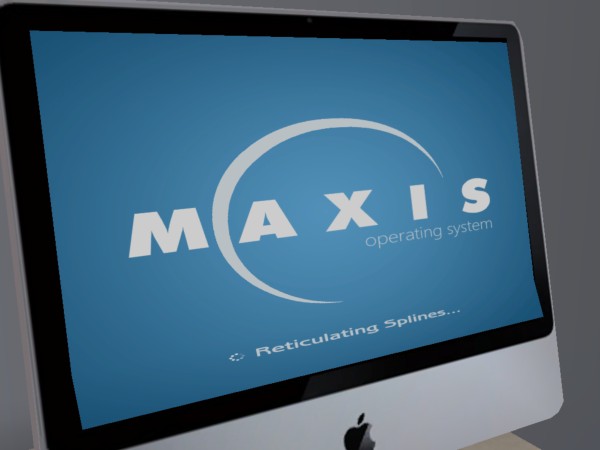
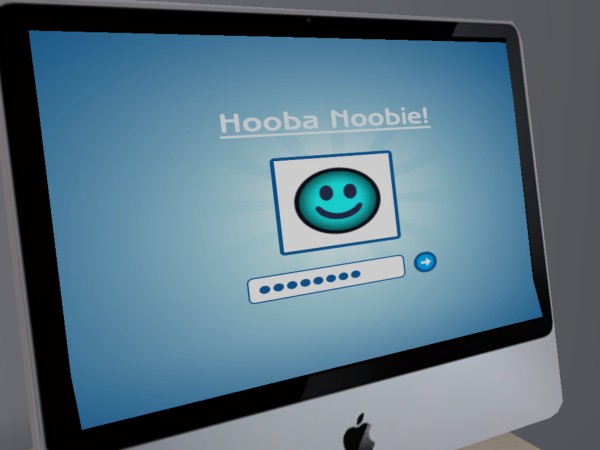
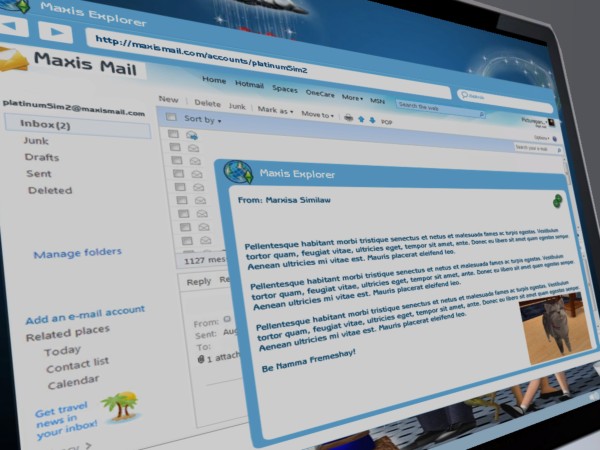
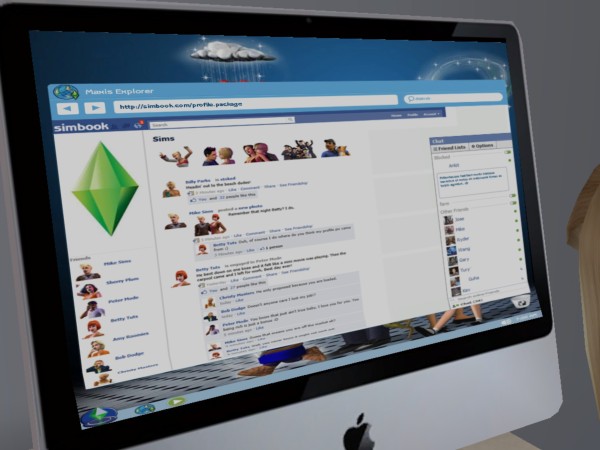
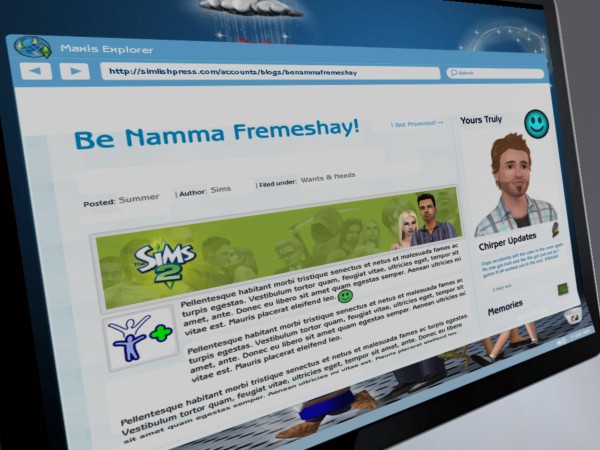
It has completely took over my free time and I even required some outside help to get on the right track but I have finally completed something that has been bugging me since I could remember; Replacement PC Screens for the Sims 2. Now with brighter screens and new boot screens! Thanks Nix
Special thanks to: NixNivis for discovering why exactly the FreeTime screens were brighter than the base game. It doesn't make sense how the solution works all I know is that I just finished testing it and it does in fact work!
Special thanks to: The Ninth Wave for showing me how to even start this project
Special thanks to: DJS Sims for the compressorizer which has saved 20 MB of space from this package!
If it is too big and it might be I guess I'll have to make a more lighter yet hopefully not too pixelated version of the screens. I'll update this post again should that time come.
 x 13
x 13



 Updated Version please re-download and delete previous version. It is now renamed "Replacement Screens FT" so it won't auto overwrite! You can now choose to download a "lite version" of these replacement screens. All images sizes were cut in half and are based off of optimized jpegs instead of pngs. Really it's just a smaller file size for your game to deal with. In-game images are only slightly more blurry than the non-light version.
It has completely took over my free time and I even required some outside help to get on the right track but I have finally completed something that has been bugging me since I could remember; Replacement PC Screens for the Sims 2. Now with brighter screens and new boot screens! Thanks Nix
Special thanks to: NixNivis for discovering why exactly the FreeTime screens were brighter than the base game. It doesn't make sense how the solution works all I know is that I just finished testing it and it does in fact work!
Special thanks to: The Ninth Wave for showing me how to even start this project
Special thanks to: DJS Sims for the compressorizer which has saved 20 MB of space from this package!
If it is too big and it might be I guess I'll have to make a more lighter yet hopefully not too pixelated version of the screens. I'll update this post again should that time come.
x 13
Screenshots
Download link
Filesize 2.82 MB |
File Name XGC - Replacement PC Screens FT.rar | # of Downloads 356
File Updated 07-07-2011
Filesize 909.35 KB | File Name XGC - Replacement PC Screens FT Lite.rar | # of Downloads 197
File Updated 07-07-2011
Filesize 909.35 KB | File Name XGC - Replacement PC Screens FT Lite.rar | # of Downloads 197
« Next Oldest | Next Newest »


![[Image: happy_dancers.gif]](http://www.affinitysims.com/forum/Smileys/MSNIcons/happy_dancers.gif)


